Authenticate
EVE Wormhole Mapper authenticates using your EVE Online account via CCP's Single Sign-On (SSO). Your password is never stored — only a secure CCP-issued token is used.
Login Flow
-
Open Account Settings — click the ACCOUNT button on the main interface.

-
Initiate Login — click Login to be redirected to the CCP SSO page.

-
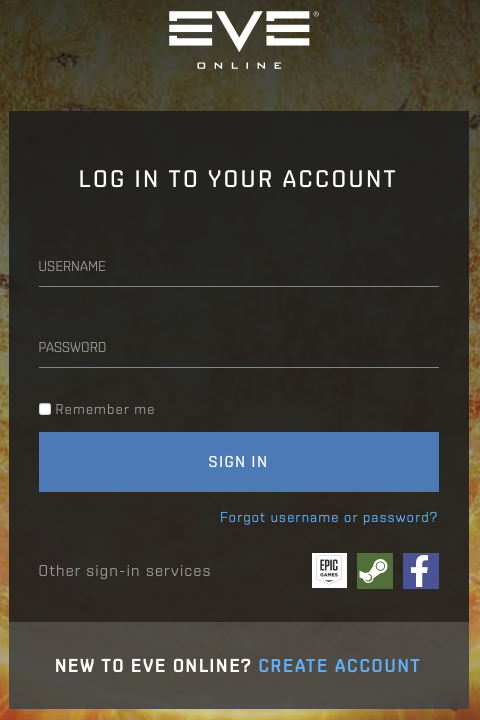
Enter CCP Credentials — input your CCP username and password.
-
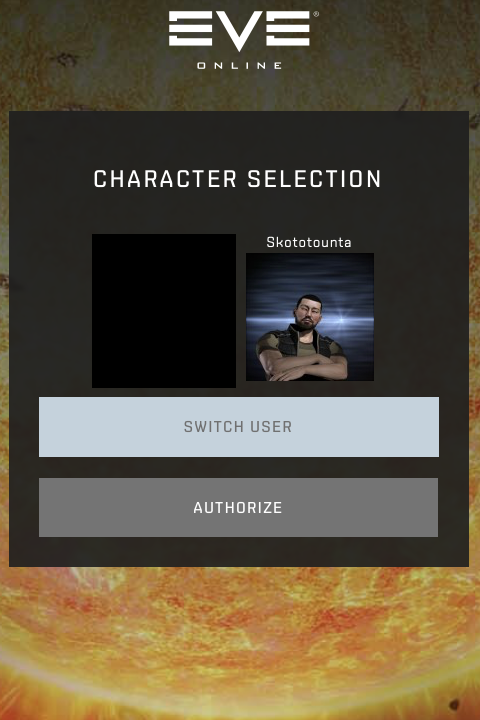
Select a Character — choose which character to use.
-
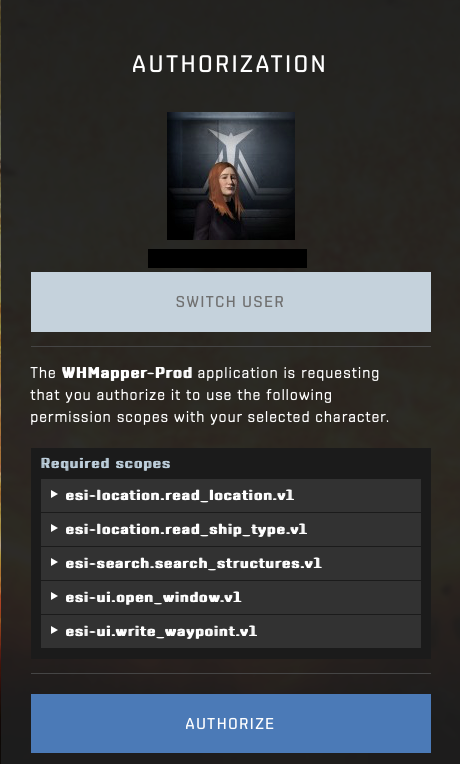
Authorize Scopes — review and approve the required access rights.
After Login
Once CCP authentication succeeds, WHMapper checks your instance membership:
-
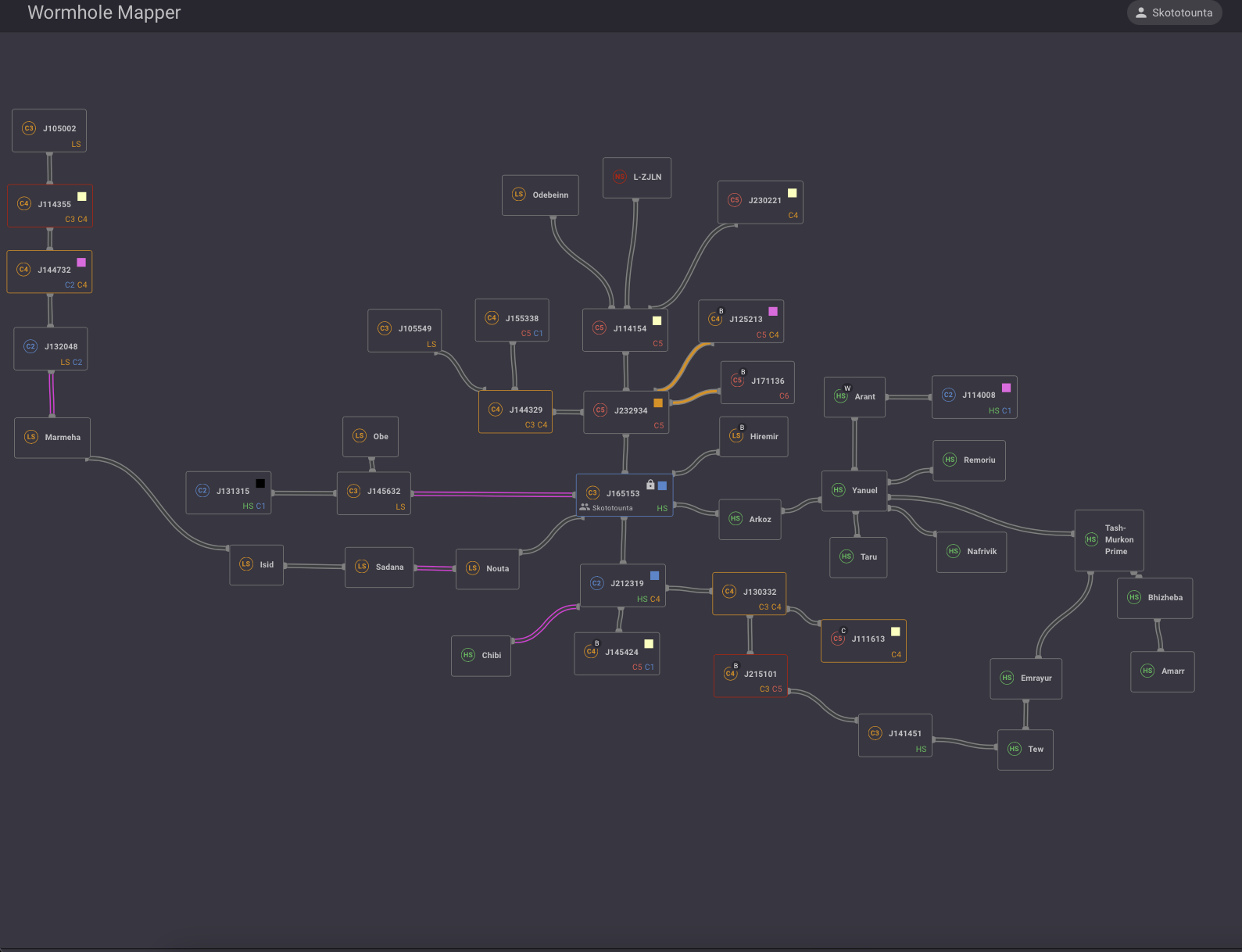
You belong to an instance — the first accessible map loads automatically.
-
You don't belong to any instance — the No Instance Access screen is shown. You can create your own instance or ask an administrator to grant you access.
Refer to the Instance page for the full walkthrough.
Multiple Characters
You can link several EVE characters to the same session using the Add Account button.

All characters appear in the same tab interface. The active character — used for all mapper actions — is highlighted with a white circle.

Next step → Instance Setup